Control an Allen & Heath CQ digital mixer from Nice controllers through the Magic Cube. Channel and output levels, mutes, stereo pairs, mute groups and scenes are available on a ready-made Mixer screen, and every change made on the mixer itself (desk, CQ MixPad or Home Assistant) is shown in the Nice interface straight away.
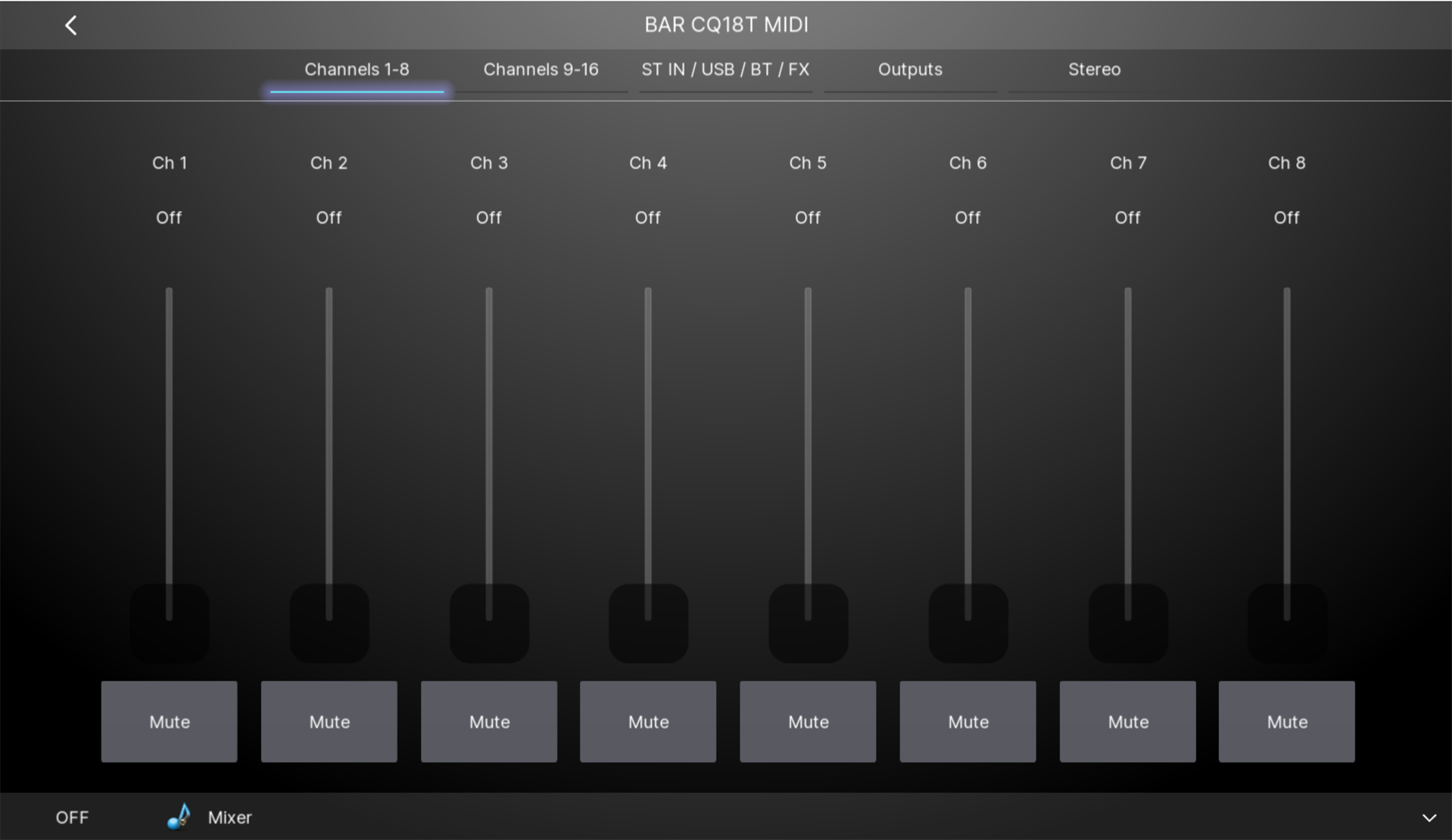
Level sliders in dB (Off = -99 to +10 dB) for Channels 1-16, ST1, ST2, USB, Bluetooth, FX returns 1-4, Mix 1-6, Main LR and DCA 1-4. Each slider shows its current value.
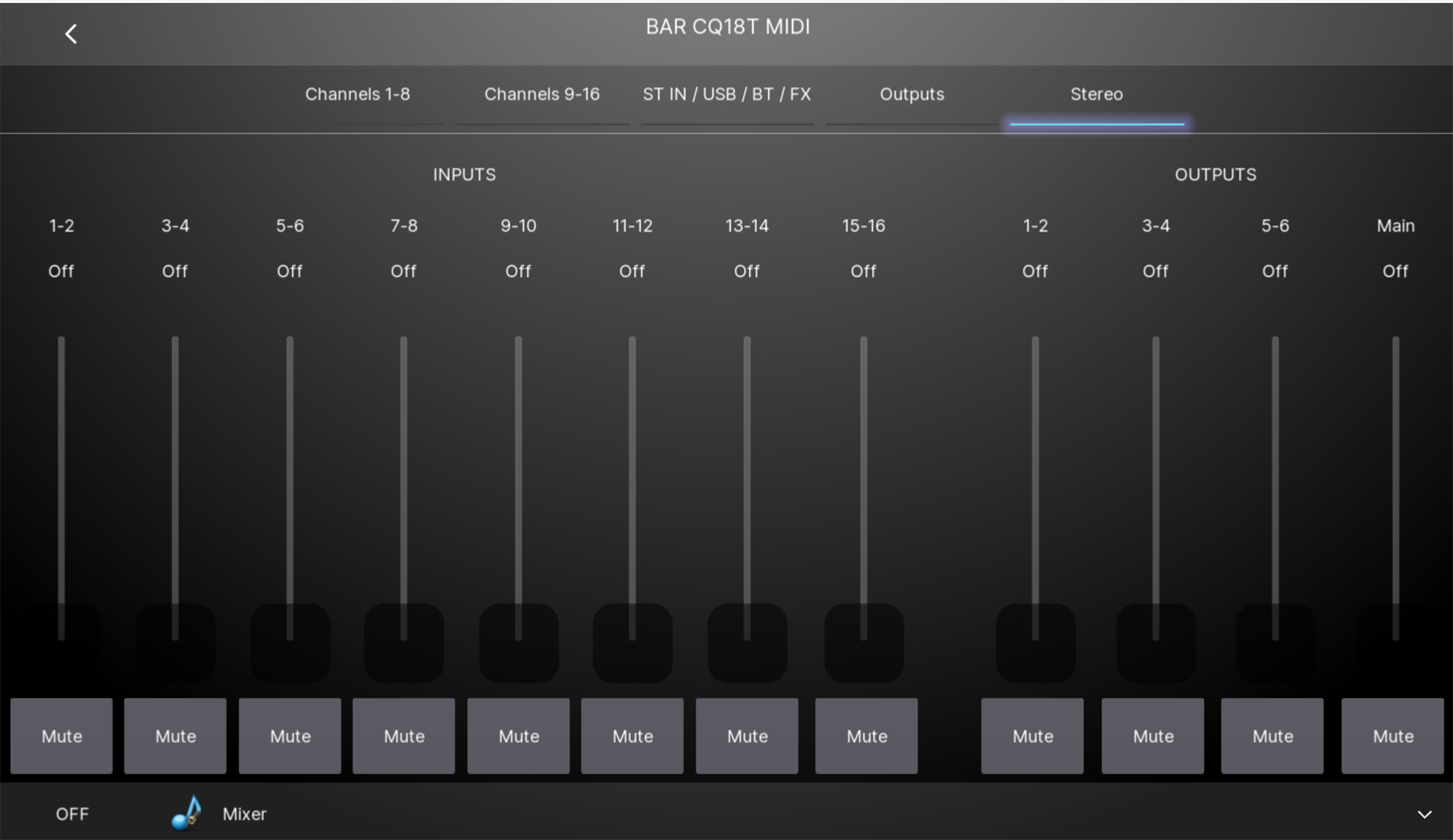
Stereo pair sliders: Ch 1-2 through Ch 15-16 and Mix 1-2, 3-4 and 5-6 move both faders together.
Mute buttons for every channel, output, DCA, stereo pair and Mute Groups 1-4. A button is lit while the channel is live and unlit while it is muted.
Scene recall (Scene 1-100).
Main LR as a Nice audio zone with volume and mute.
The Magic Cube must have the MIDI Mixer integration installed and connected to the mixer.
Give the mixer and the Magic Cube a static IP address or a DHCP reservation.
The CQ accepts only one MIDI connection at a time. Close the Allen & Heath MIDI Control app and any other MIDI client, or the Magic Cube cannot connect. CQ MixPad is not affected.
¶Nice Controller Driver Configuration - General Guideline
The Magic Cube Media Pro driver must already be installed and licensed (Open Media, Communication Devices, Add New Communication Device, then Import the MagicCubeMediaPro driver). See Magic Cube Media.
In the MagicCubeMediaPro driver, click Discover Magic Cube (or enter the Magic Cube IP address).
Set Platform to MIDI Mixer and click Install Platform.
The driver is added automatically and receives the Magic Cube address and license from the Media Pro driver.
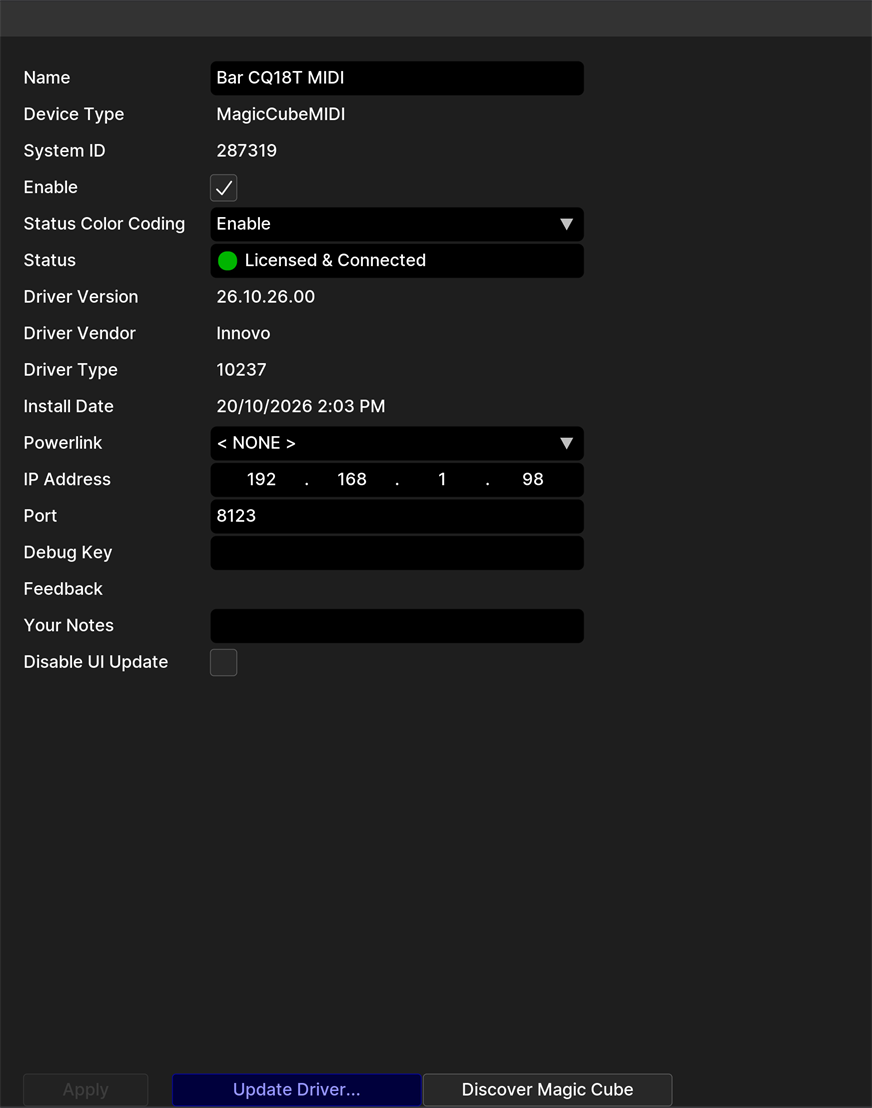
The MIDI Mixer driver after installation: Licensed & Connected
"MIDI Mixer unavailable on the Magic Cube": another device holds the mixer's single MIDI connection. Close the other MIDI client; the driver reconnects on its own.
"No MIDI Mixer found on the Magic Cube": the MIDI Mixer integration is not installed or not configured on the Magic Cube.
If the mixer was off when the system started, the driver connects automatically once the mixer is powered on.