¶ Integration Note
| Manufacturer | Magic Cube Media Pro |
| Platform | Tonewinner |
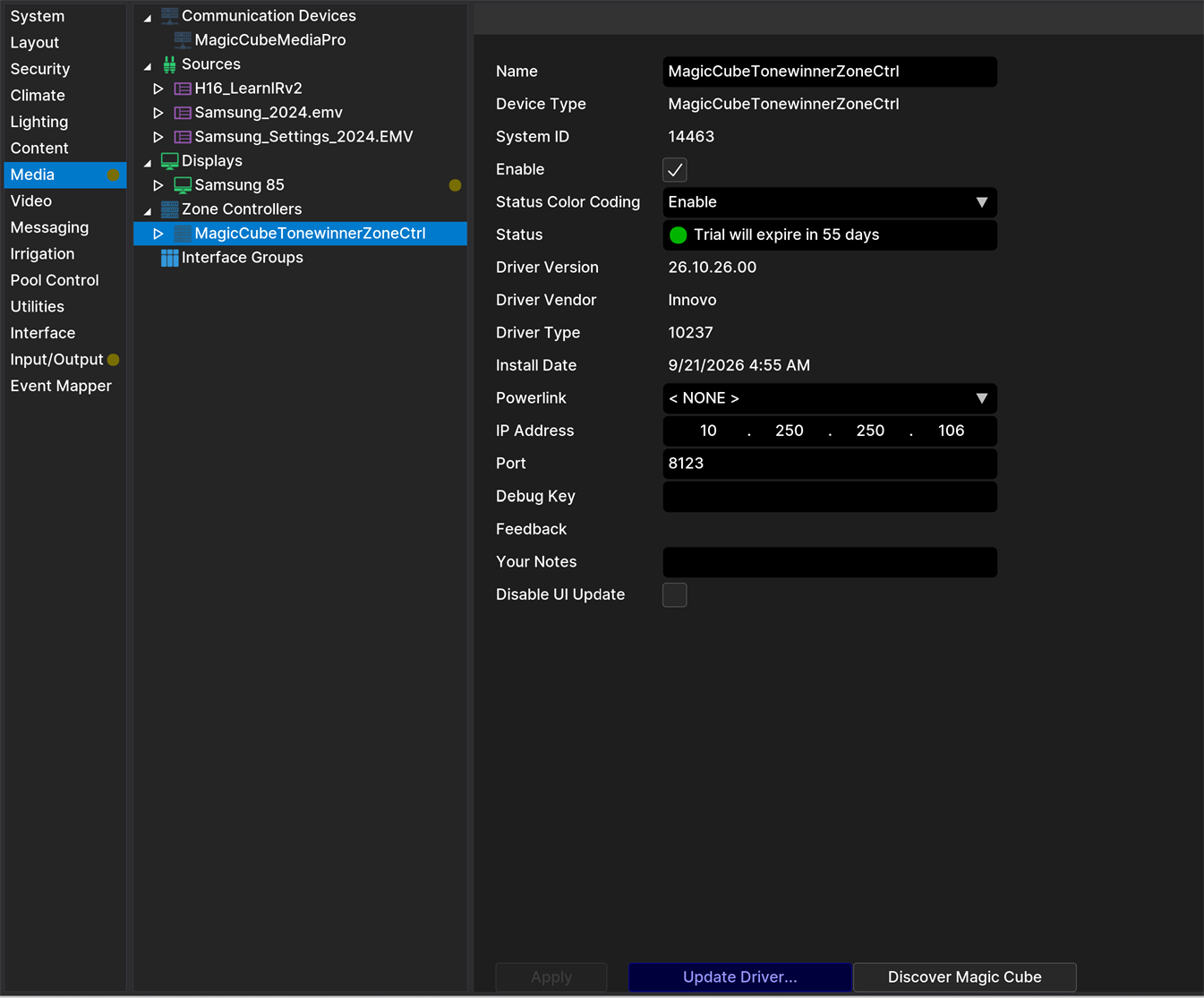
| Driver Name | MagicCubeTonewinnerZoneCtrl (installed by MagicCubeMediaPro) |
| Driver Version | 26.10.26.00 |
| Document / Driver Revision | Oct 26, 2026 |
| Core Min / Max Tested | 8.8.xx |
¶ Overview
Control a Tonewinner amplifier as a Nice audio zone through the Magic Cube: input selection, volume, mute, sound mode and dynamic range control, with live feedback when the amplifier is used from its own remote or front panel.
These amplifiers are controlled over Bluetooth only. A Magic Cube with Bluetooth (BLE) sends the commands to the amplifier and receives its feedback over Bluetooth, so no network or serial connection to the amplifier is needed.
¶ Supported Features
- Source selection: HDMI 1-4.
- Volume and mute.
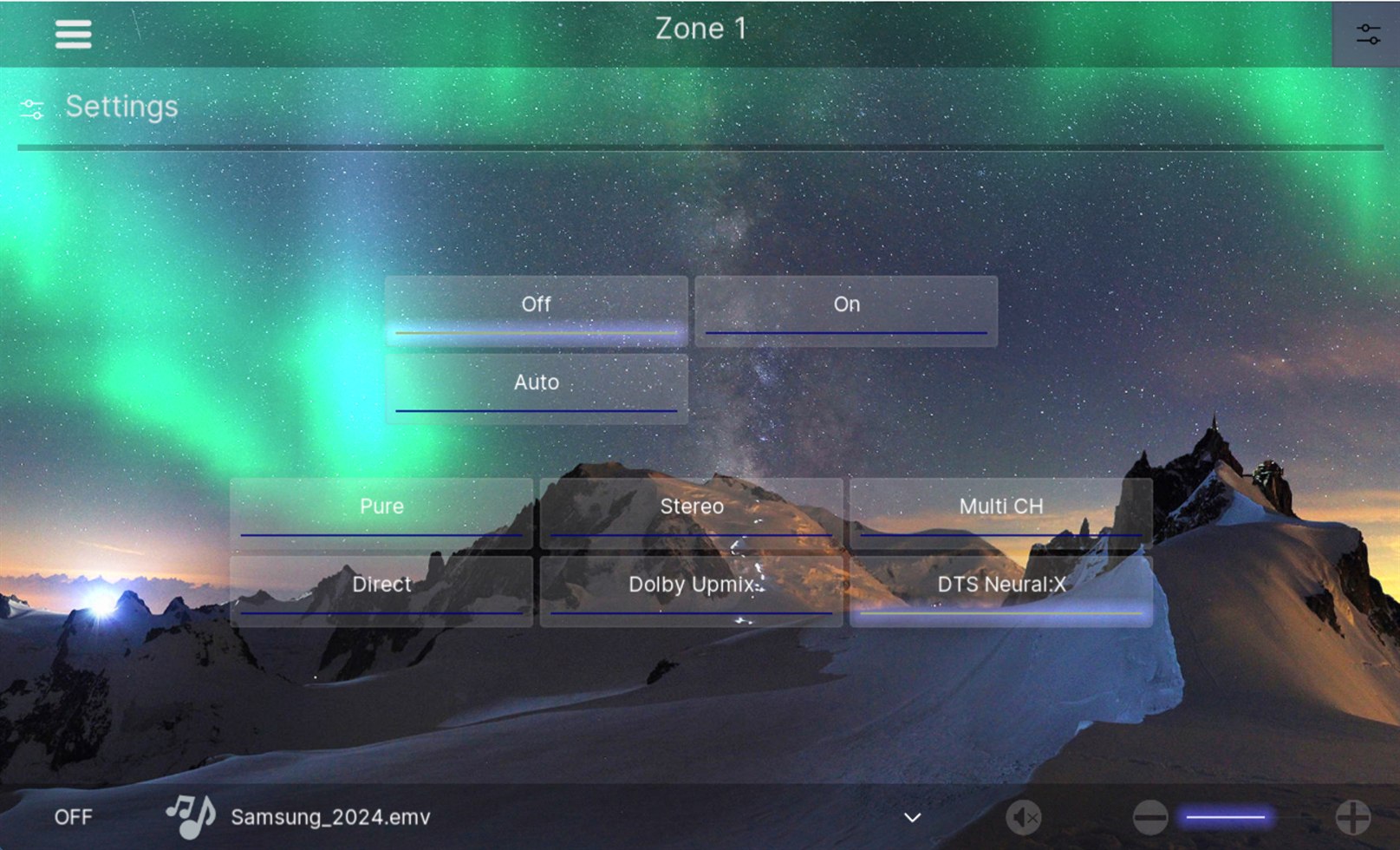
- Sound Mode option: Pure, Stereo, Multi CH, Direct, Dolby Upmix, DTS Neural:X.
- DRC option: Off, On, Auto.
- Live feedback of input, volume and sound mode.
- Adjustable sync interval (30-300 seconds).
¶ Supported Devices
| Device | Functions Supported |
| Tonewinner H16 | Inputs, volume, mute, sound mode, DRC |
¶ Device Configuration Overall
- The amplifier is controlled over Bluetooth only: use a Magic Cube with Bluetooth (BLE). The Magic Cube sends commands and receives feedback from the amplifier over Bluetooth, so keep it within Bluetooth range of the amplifier.
- The Tonewinner integration must be installed on the Magic Cube.
¶ Nice Controller Driver Configuration - General Guideline
- The Magic Cube Media Pro driver must already be installed and licensed (Open Media, Communication Devices, Add New Communication Device, then Import the MagicCubeMediaPro driver). See Magic Cube Media.
- In the MagicCubeMediaPro driver, click Discover Magic Cube (or enter the Magic Cube IP address).
- Set Platform to Tonewinner and click Install Platform.
- The driver is added automatically and receives the Magic Cube address and license from the Media Pro driver.
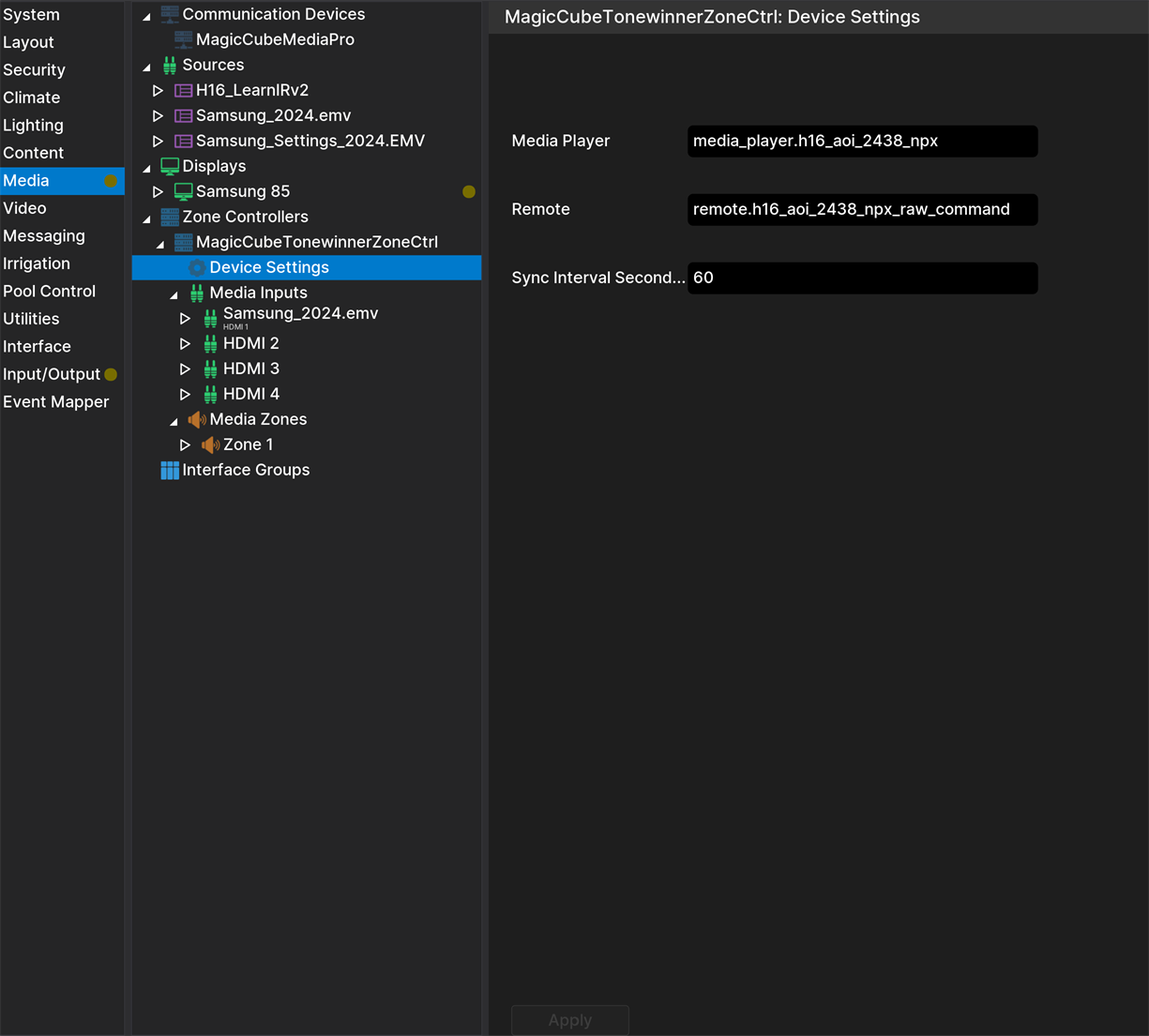
The Media Player and Remote fields on the driver's Device Settings page are filled in automatically. Sync Interval sets how often the amplifier is polled (default 60 seconds).
¶ Using the Driver
- Select HDMI 1-4 as the zone source, and use the zone volume and mute.
- Change the sound mode and DRC with the zone options.
¶ Limitations and Known Issues
- The amplifier cannot be powered on or off from Nice; use its front panel or remote.
- Mute sets the volume to 0 and restores the previous level on unmute.
- The DRC setting is sent to the amplifier but is not reported back.
¶ Troubleshooting
- "Tonewinner is unavailable on the Magic Cube": the Bluetooth link to the amplifier dropped. It recovers on its own; check that the amplifier is on and within range.
¶ Changelog
¶ Version 26.10.26.00
- Initial release.